Enjoyable Viewing
Save sharp, high-resolution videos for offline viewing in various qualities such as 720p HD, 1080p Full HD, 1440p 2K, and 2160p 4K.
Free, online tool for mobile and computer
Quick answer
YTDownloader is a free online YouTube video downloader that saves videos as MP4 or MP3 in qualities from 360p to 4K. Paste a video, Shorts or playlist link, choose a format and quality, then press Download. It works in any browser on mobile and desktop, with no account, login, watermark or software installation.
| Price | Free, with no download limit |
|---|---|
| Formats | MP4, MP3, WEBM and M4A |
| Quality | 360p up to 2160p 4K, when the original file offers it |
| Account | Not needed: no login, no watermark, no software |
| Devices | Android, iPhone, iPad, Windows, Mac and Linux |
| Browsers | Chrome, Safari, Firefox, Edge and Opera |
Copy YouTube Video URL and paste into the YouTube Downloader to save instantly. It's a free, online tool for mobile and computer that supports MP4 and MP3, and quality options from 360p to 4K. Usually YouTube doesn't allow you to save videos into your local storage.
YouTube Downloader helps you to surpass these limits and save unlimited videos to watch even without the internet. It's a super fast and easy-to-use online tool that doesn't require any account or login. You can access it anytime through the browser to save music, lectures, tutorials, Shorts, or playlists.
Since downloading others' media without permission may violate copyright rules and YouTube's Terms of Service. Therefore you should always save permitted content for personal use and avoid reposting or selling.

Key features

Save sharp, high-resolution videos for offline viewing in various qualities such as 720p HD, 1080p Full HD, 1440p 2K, and 2160p 4K.
Now you can convert YouTube to MP3 for offline listening, MP4 for seamless viewing, WEBM & M4A for better quality experiences.
Save videos without creating an account, sharing personal details. You don't need to install any software or application. Open YouTube Downloader anytime to continue saving videos without watermarks.
As a streaming enthusiast you can instantly save YouTube videos, Shorts, and playlists daily without limits.
You can access it through Chrome, Safari, Firefox, Edge, and Opera on Android, iPhone, iPad, Windows, Mac, and Linux to save anything, anytime, at anywhere.
Content types
Online YouTube Downloader allows you to save the following content.

Download HD YouTube shorts to save, edit, or share with friends on social media.
Instead of saving videos one by one, you can save an entire playlist such as courses, music mixes, and tutorials from YouTube in one session to save time and effort.
Extract audio from your favorite songs, podcasts, interviews, and lectures to save in MP3 up to 320kbps.
Save videos with multilingual captions for better understanding.
Save YouTube Video Thumbnails in HD and full HD quality for fun and creativeness.
Step by step
If you want to save high quality videos from YouTube to your local storage for personal use and offline streaming. Just connect your device with a stable internet and follow the easy steps mentioned below.

Why us
If you're tired of struggling with local Downloaders with slow, full of pop-up ads, limited quality, or they ask you to install software. Do you want a reliable and secure option with stress free services? You're on 100% right place because we do not only ensure comfortable experiences but also please users with mind-blowing features such as;
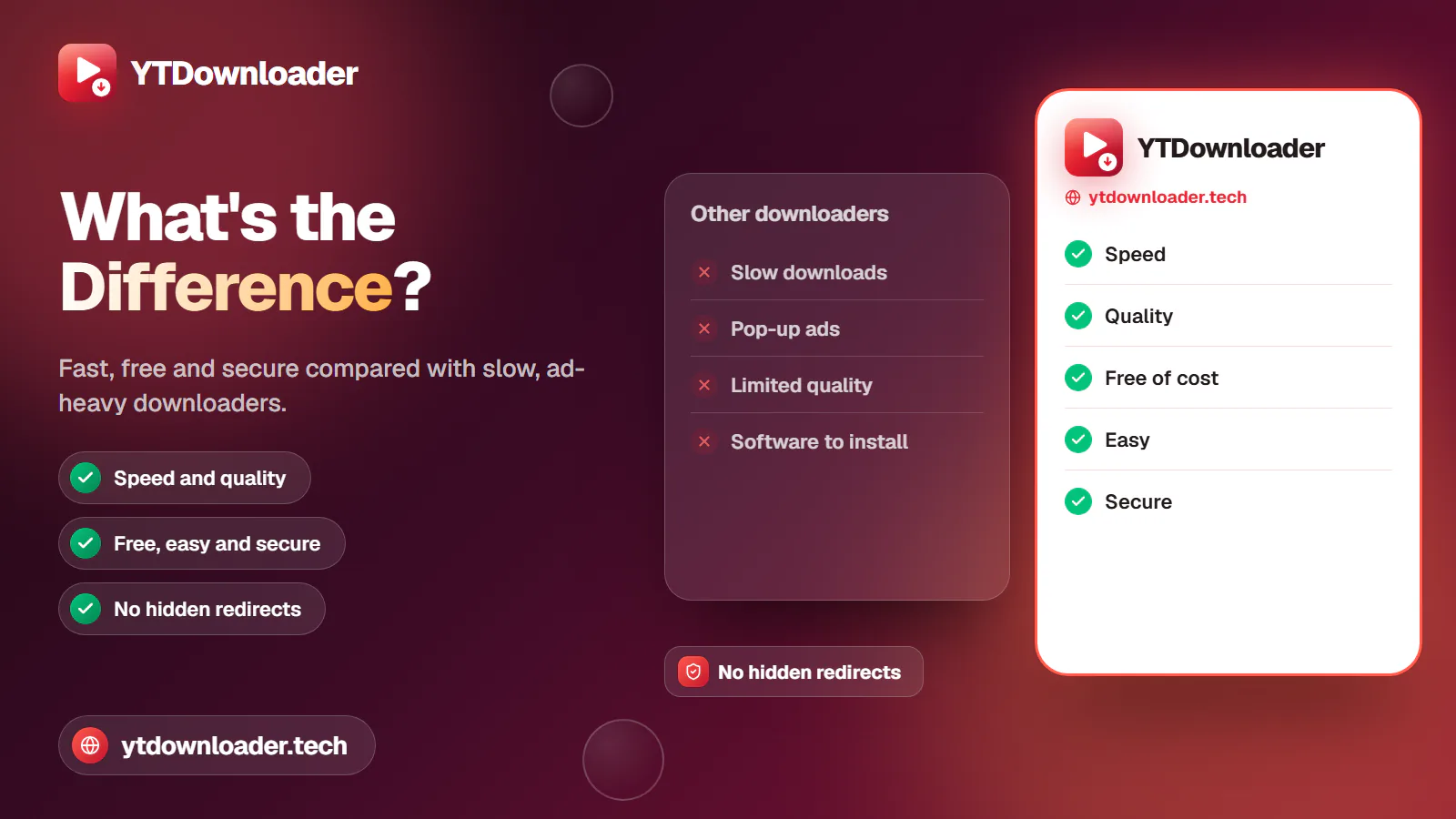
No more delay while saving short or lengthy videos. Our enhanced server processes the links immediately to help you to save videos in an instant.
You don't need to compromise on content quality. You can save media in its original quality from this reliable tool.
It's free of cost to to save unlimited shorts, lengthy videos, and playlists from our website.
It's easy-to-use use this secure online tool, you only need to paste the link and hit the Download button to save media.
It's a 100% trusted online tool. Unlike other apps, we never force you to install any app, watch intrusive ads, or face any hidden redirects.
Benefits
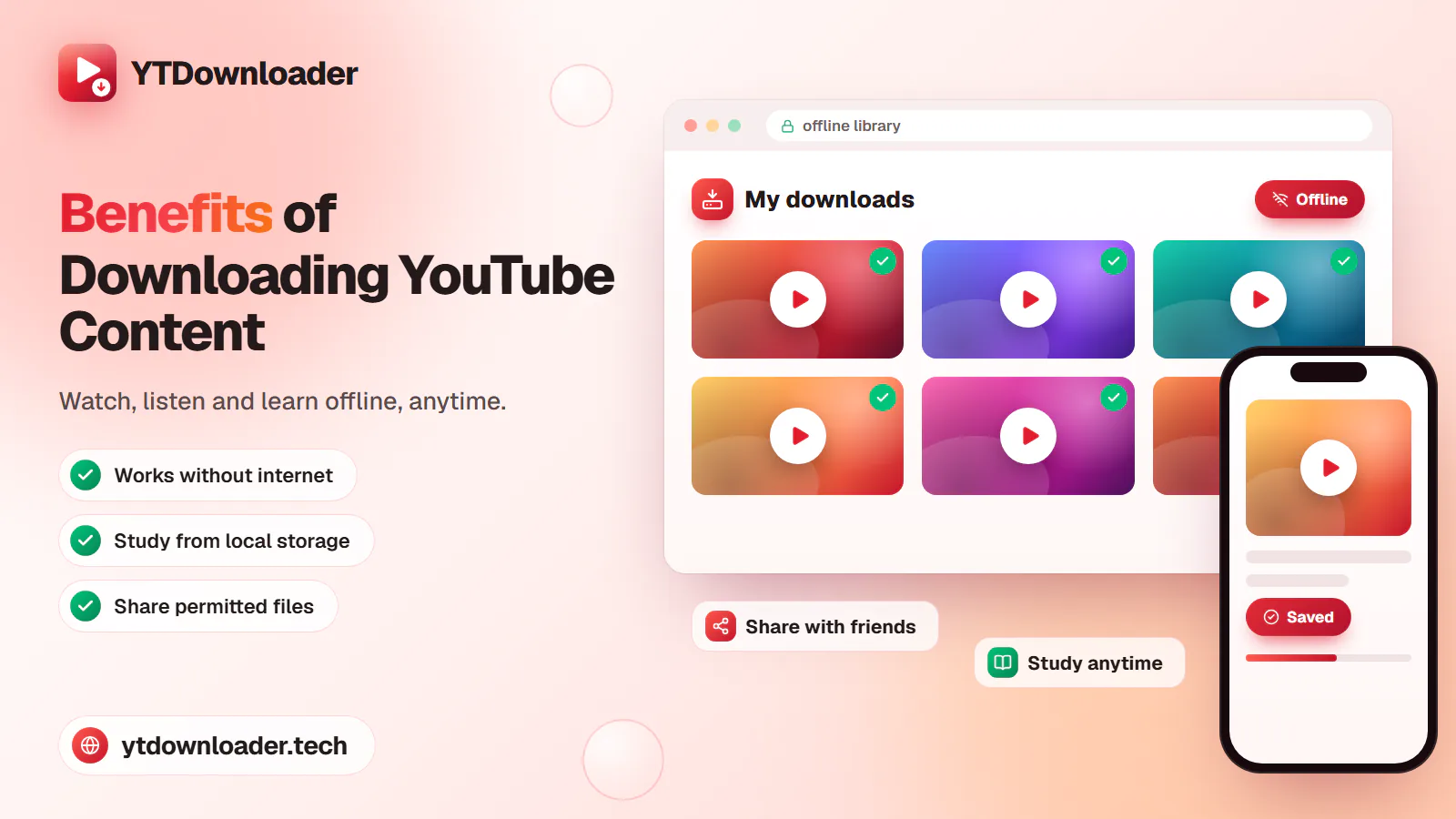
Saving YouTube videos and audio allow you to watch, listen, and learn offline.
Download videos, music, and tutorials to watch anytime you want directly through your local storage.
Share permitted videos and audio files with friends and other people across social media platforms with a single tap.
Organize educational and informational videos into your local storage to study anytime you want.
Pro tips

The tool can't optimize the media quality. You can only save media which was uploaded. Choose media quality that's originally available.
Always choose the highest resolution available for better viewing experiences.
Save videos in MP4 files because it works on all devices and with all media players.
Use a stable internet connection because unstable or slow connection may result in interruption during downloads.
Free up device storage by deleting unwanted files for smooth and reliable downloads.
While converting YouTube videos to audio, choose MP3 format for better listening.
In short
YouTube to Video Downloader is a reliable online tool that lets you save videos into your device. You can use video URL, select format and quality, and save media successfully to stream offline anytime without ads, internet or buggering. Whatever you're a students saving lectures for learnings,
Music lovers saving songs to listen to anytime, travelers seeking offline entertainment, or creators who want useful material. You can save unlimited videos from our website for free without registration or software installation.
Questions
Yes, it's 100% free to use without hidden charges. You can save unlimited shorts, lengthy videos, and playlists from the website without paying, creating an account, or installing any software.
Yes, you can save videos from this secure website. It runs in your browser, so you only need to paste the video link, choose the format and quality, and press the Download button. No software or application has to be installed.
You can save YouTube videos in 4K from this site but only if the original file is available in 4K. The tool cannot improve quality, so you can only save media at the quality that was uploaded, and 2160p 4K appears only when the video offers it.
Of course, you can download YouTube videos from this secure tool to save into your local storage for offline viewing. Once the file is saved on your device, you can open it from storage whenever you like, even without an internet connection.
Yes, you can convert YouTube to MP3 from this reliable tool. Just paste the video link and choose MP3 as your file format to extract audio and save into your device. MP3 can be saved at up to 320kbps, which suits songs, podcasts, interviews and lectures.
Yes, you can copy the account or playlist URL, paste into the tool, and hit the Download button to save all videos into desired format and quality at once. This saves time compared with saving courses, music mixes or tutorials one video at a time.
No, you can save unlimited videos from our website. There is no cap on Shorts, long videos or playlists, and you do not need an account or a subscription, because the tool is free of cost for permitted personal use.
Try fixing your internet connection and keep browsing up-to-date. If still you are facing the same issues then you must know that the content such as Private videos, age-restricted or region-blocked content, live streams, and some copyright-protected videos can't be saved.
Sources
The rules YouTube sets for using its service. Saving others' media without permission may break them.
Trust and legal
Copy YouTube Video URL and paste into the YouTube Downloader to save instantly.
